Body
This article explains how to add a person profile onto the Hamilton College page you are editing.
This module is available to SiteManager Administrators only; please contact the Communications Office if you’d like to add this module to your page.
Person Profile is a full-width module and should be put in the lower content.
Instructions
-
Click on Add Content to Lower Content button at the bottom of the page and select the Person Profile module.
-
Mouse over the module and click on Edit.
-
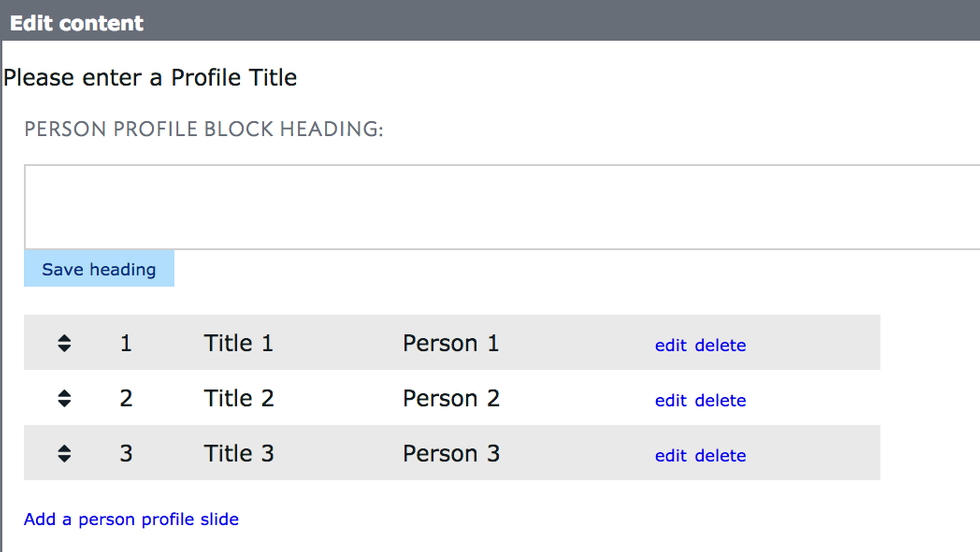
Add your Profile Title and click on Save heading.
-
Click on Add a person profile and fill in the information: you may add a person’s name, title, intro, image, and/or links.
-
Scroll to the bottom and click Save.
More information