This article explains how to use the photo grid module when editing a Hamilton College page.
Photo Grid is a full-width module.
Instructions
-
Click on Add Content to Lower Content button at the bottom of the page and select the Photo Grid module.
-
Mouse over the module and click on Edit.
-
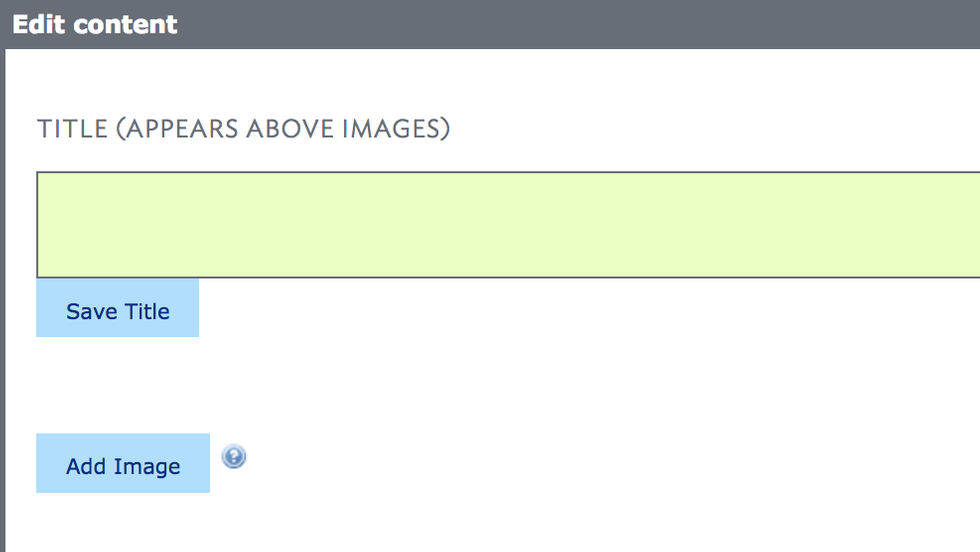
Add a title and click on Save Title.
-
Click on Add Image and search for or upload your images.
-
For each of the photos, indicate your preferred display type: square, landscape, or portrait.
-
You may also choose to include a caption and/or a link to a video.
-
After filling in the info, click on Save Changes.
-
Images can be reordered by dragging them with a Drag to Reorder tool located on the upper right corner.
More information